
Business overview
Live signalsKnow what changed—and why.
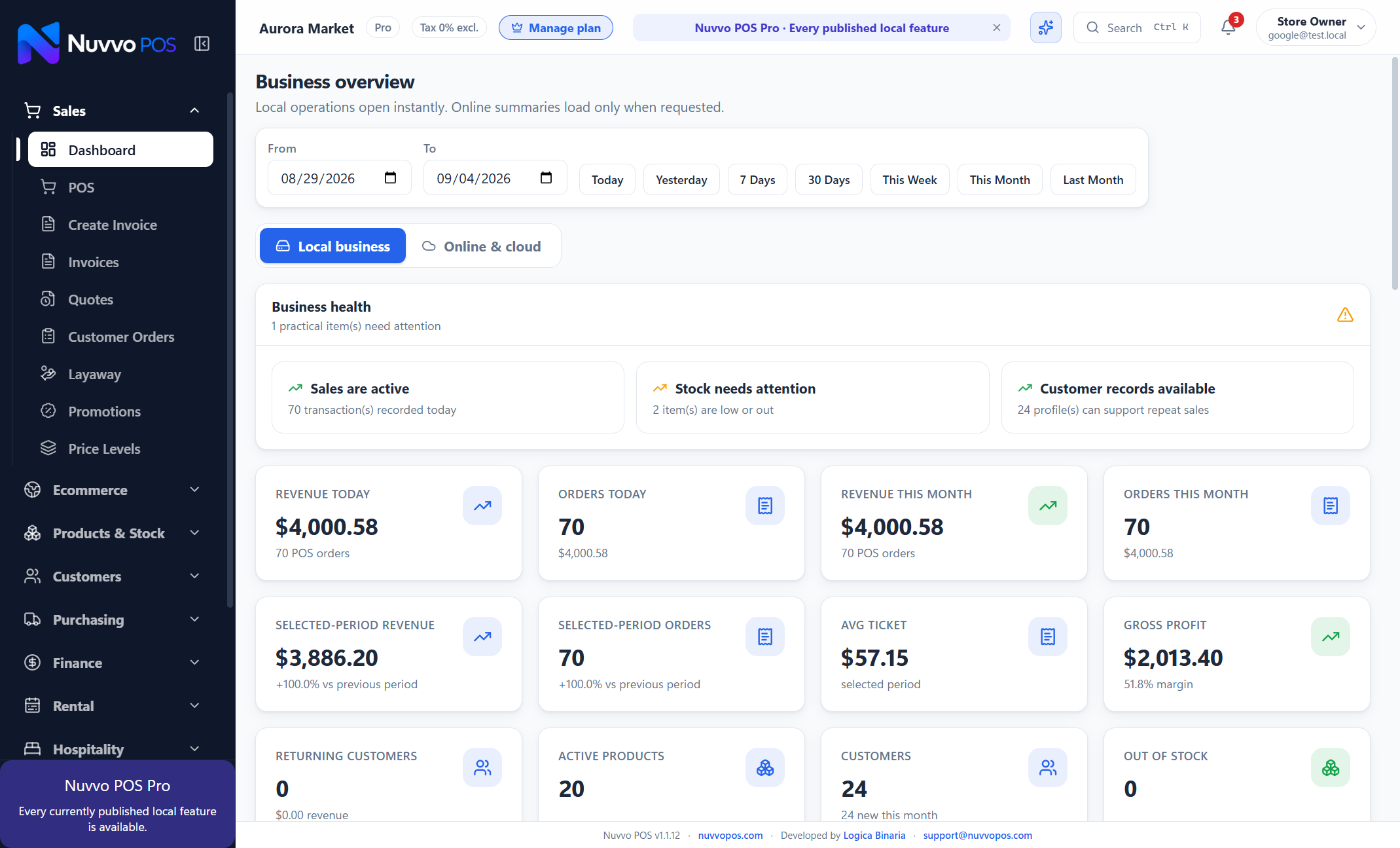
Unified local-first operations: fast counter checkout, full ERP accounting, predictive cash flow, fixed assets, omnichannel sync, manufacturing, and offline AI—together in one system.
The latest Nuvvo release connects richer dashboard decisions, a complete order-management queue, and measurable Spotlight campaigns—without compromising fast local checkout.
Filter online, phone, social and marketplace orders. Confirm payment, assign fulfillment, track COD and export clean operational data.
Schedule a promoted product, choose where it appears, and follow impressions, clicks, orders and attributed revenue.
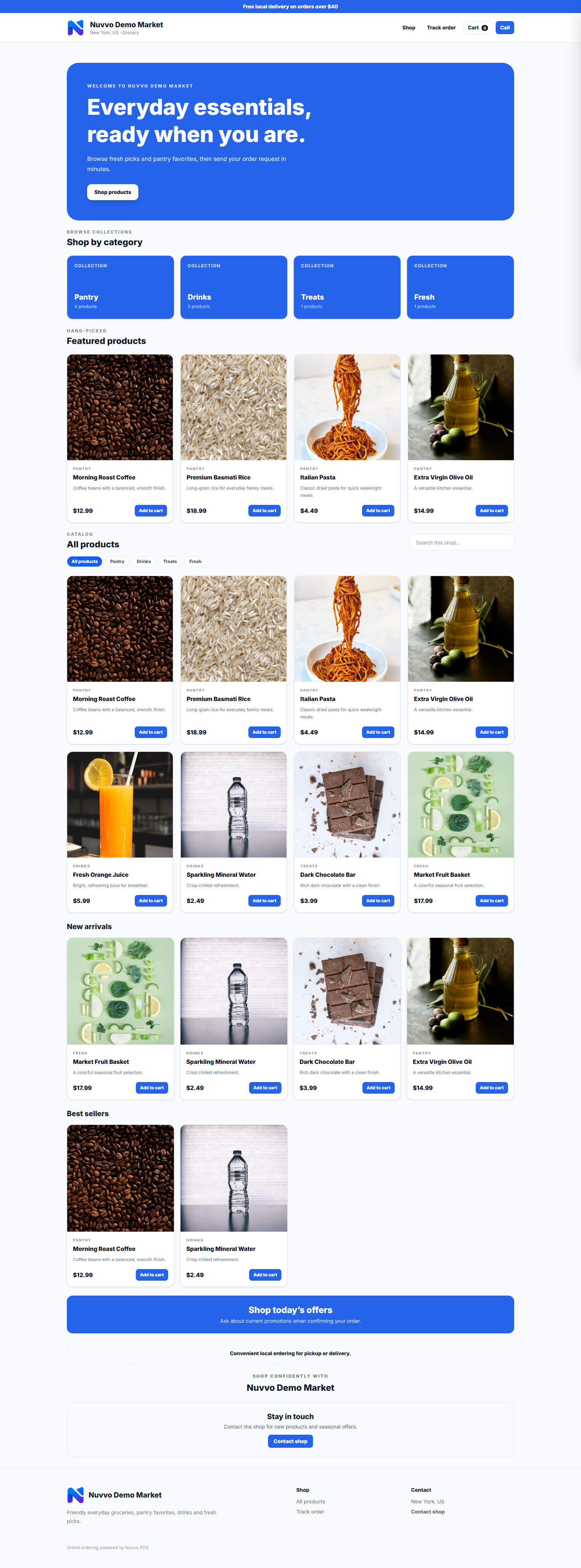
Businesses can create and publish their storefront immediately. Owners choose directory visibility, products and opening hours; the platform keeps only a focused safety suspension control.
Retail, grocery, wholesale, electronics, rentals, hospitality and gyms use the same reliable core with the right workspace enabled.
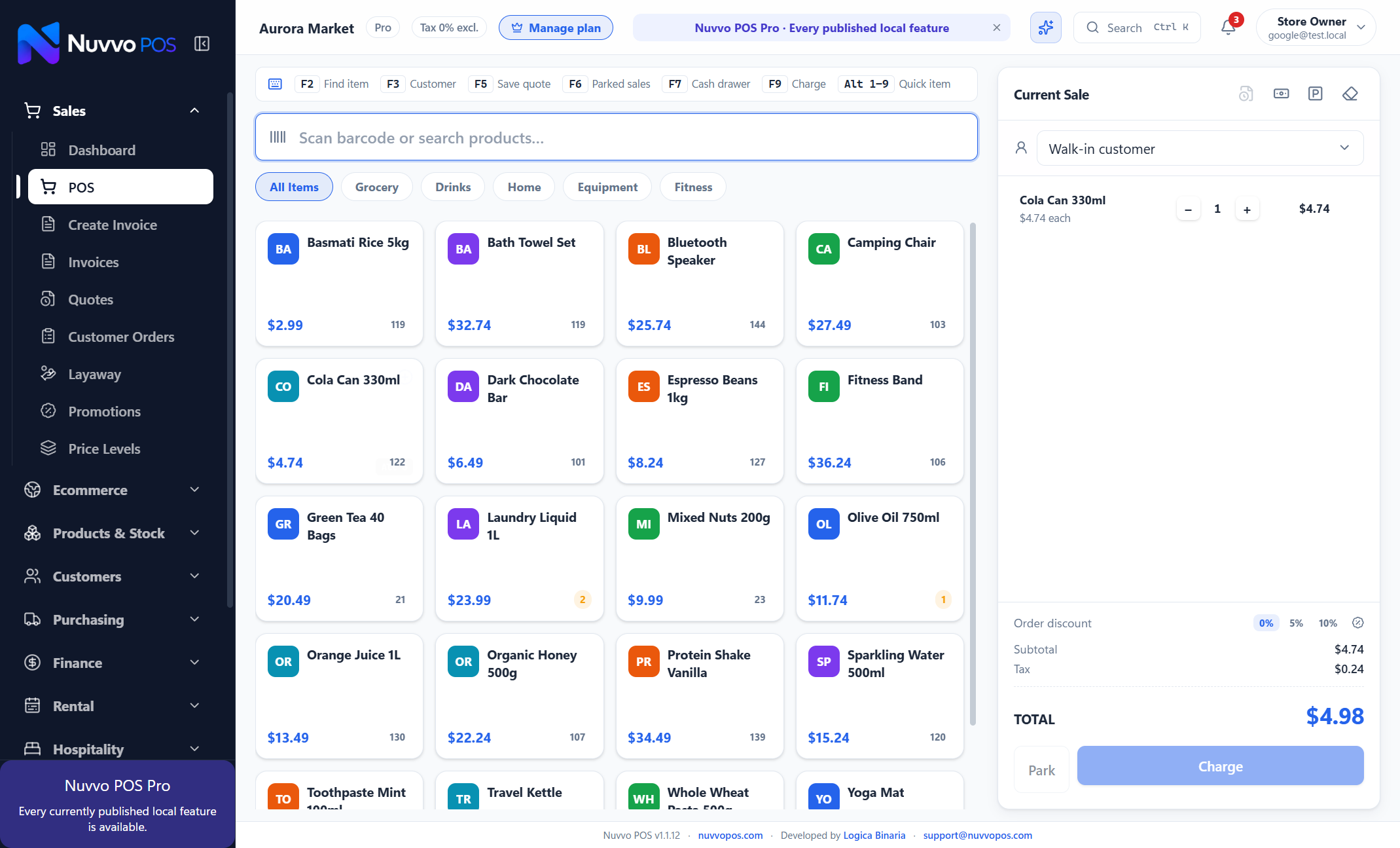
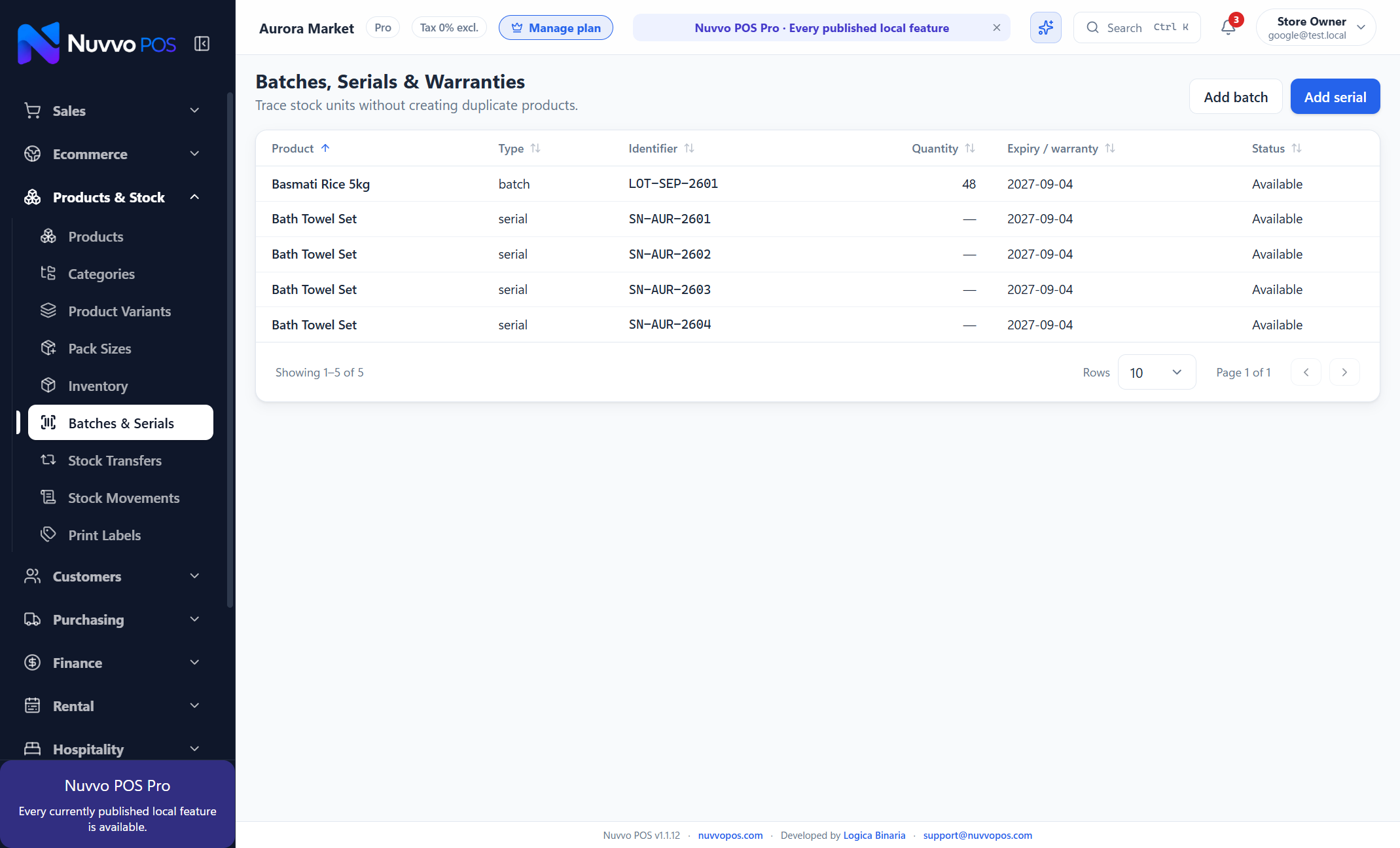
Fast checkout with products, customers, purchasing, stock, accounting and reports connected.
Control fast-moving stock, batches, expiry dates, suppliers, promotions and daily cash.
Sell variants, build customer loyalty and present selected collections online.
Track serialized products, warranties, supplier costs and customer invoices.
Follow batch and expiry details while keeping sales and replenishment clear.
Use customer price levels, supplier workflows, receivables and stock reporting.
Reserve assets, collect deposits, inspect returns and manage maintenance.
Manage rooms, stays, deposits, folios and housekeeping readiness in Pro.
Create plans, enroll members, record visits and follow renewals.
Keep each branch responsive while owners coordinate shared data and transfers in Pro.
Explore the full feature set at a glance. Each workflow stays close to the business task it supports, so capability never becomes clutter.
A focused register designed for busy counters and touch screens.
Scan or search products without slowing the queue.
Build itemized invoices and quotes with fast product or barcode entry.
Hold an order safely and return to it when the customer is ready.
Traceable after-sale workflows connected to the original transaction.
Confirm, prepare and fulfill complete customer baskets with clear statuses.
Reserve baskets, accept installments and track the remaining customer balance.
Print thermal receipts, invoices and labels, with PDF kept as a separate action.
Organize prices, units, tax behavior, barcodes and categories.
Sell sizes, colors and case packs without duplicating the base product.
Schedule straightforward product- or category-based discounts.
Apply customer price levels while retaining one product catalog.
See quantities, value and stock movement history in one place.
Receive purchase bills and record stock corrections with context.
Follow expiry dates, serial-numbered items and warranty periods.
Inspect deliveries, record shortages and include freight in true item cost.
Surface products that need action before they interrupt sales.
Create practical labels for products and shelves.
Import data from the relevant product, customer or supplier page.
Keep contact details, balances and purchase history together.
Track credit activity and outstanding balances with an auditable history.
Issue and redeem store credit without treating it as an informal discount.
Reward repeat customers and record point earning and redemption.
See current, overdue and aging customer balances by payment terms.
Track suppliers, purchase activity and outstanding balances.
Order, receive and record supplier invoices as separate workflows.
Return purchased goods with stock and supplier history kept aligned.
Document supplier adjustments rather than hiding them inside a purchase bill.
See supplier obligations alongside purchasing and cash needs.
Capture operating costs so sales are not mistaken for profit.
Create reusable templates for costs that repeat each week or month.
Keep supporting expense documents connected to the transaction.
Chart of Accounts, journals, Trial Balance, Profit & Loss and Balance Sheet.
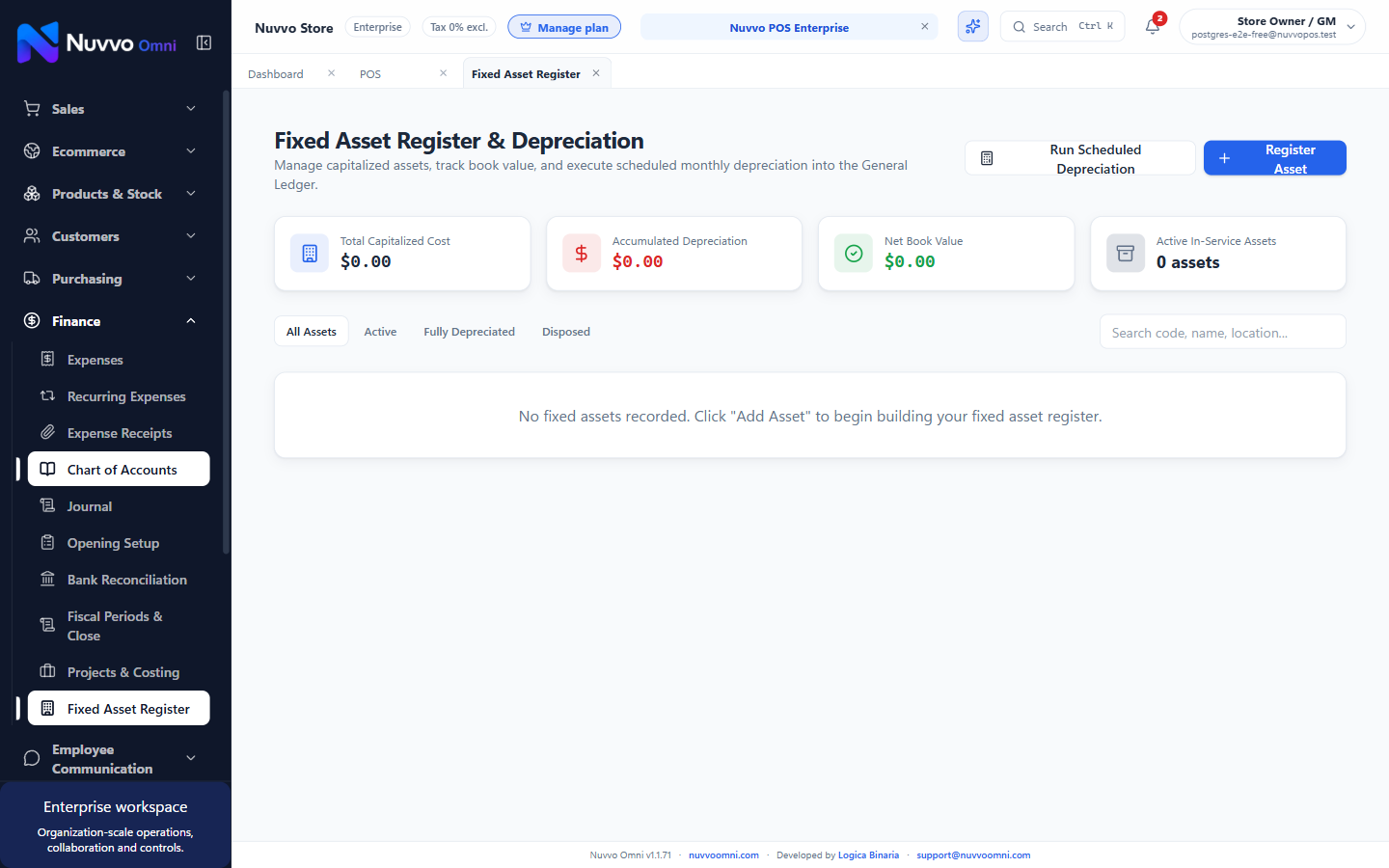
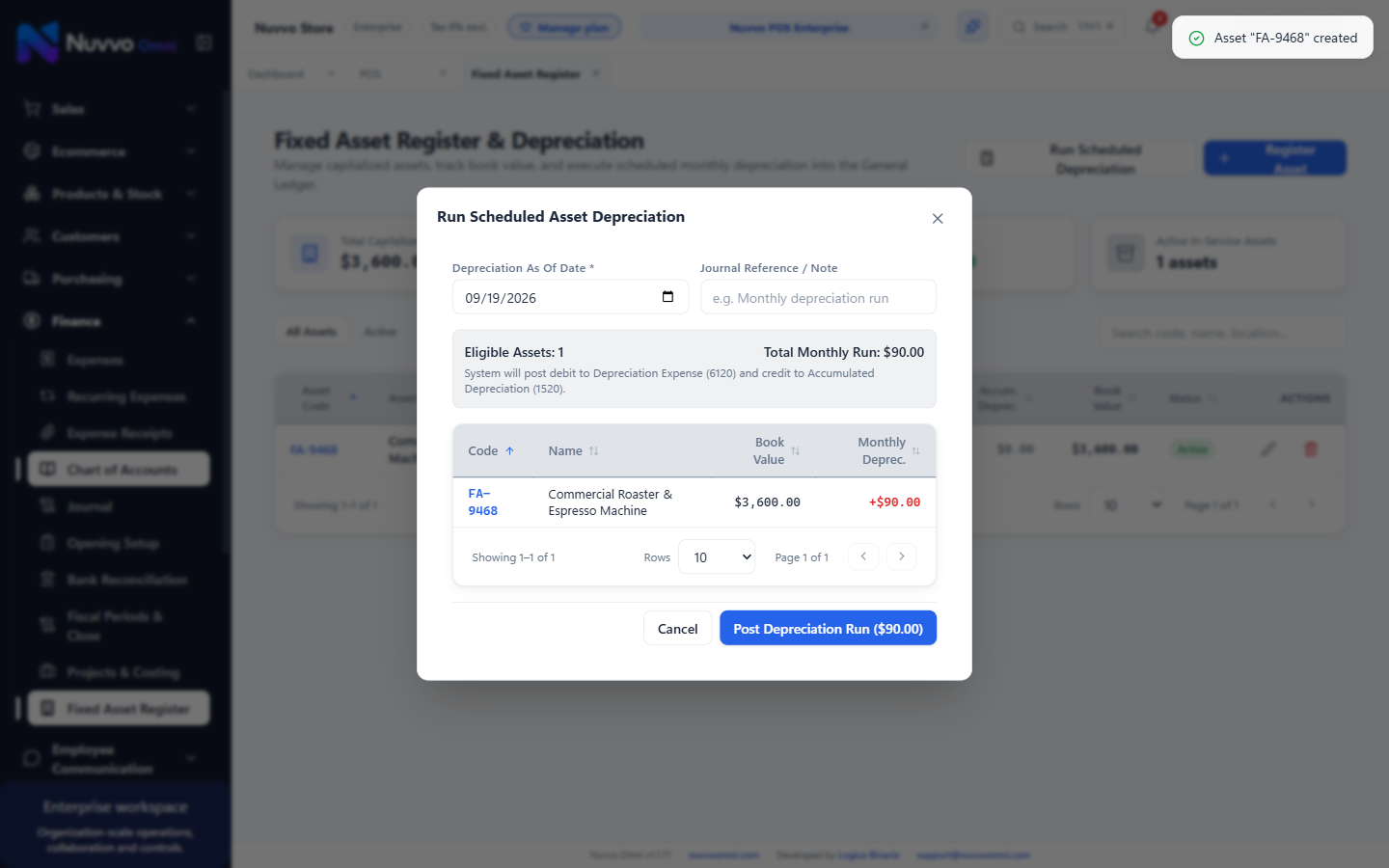
Track capital machinery, IT, vehicle depreciation schedules and General Ledger posting.
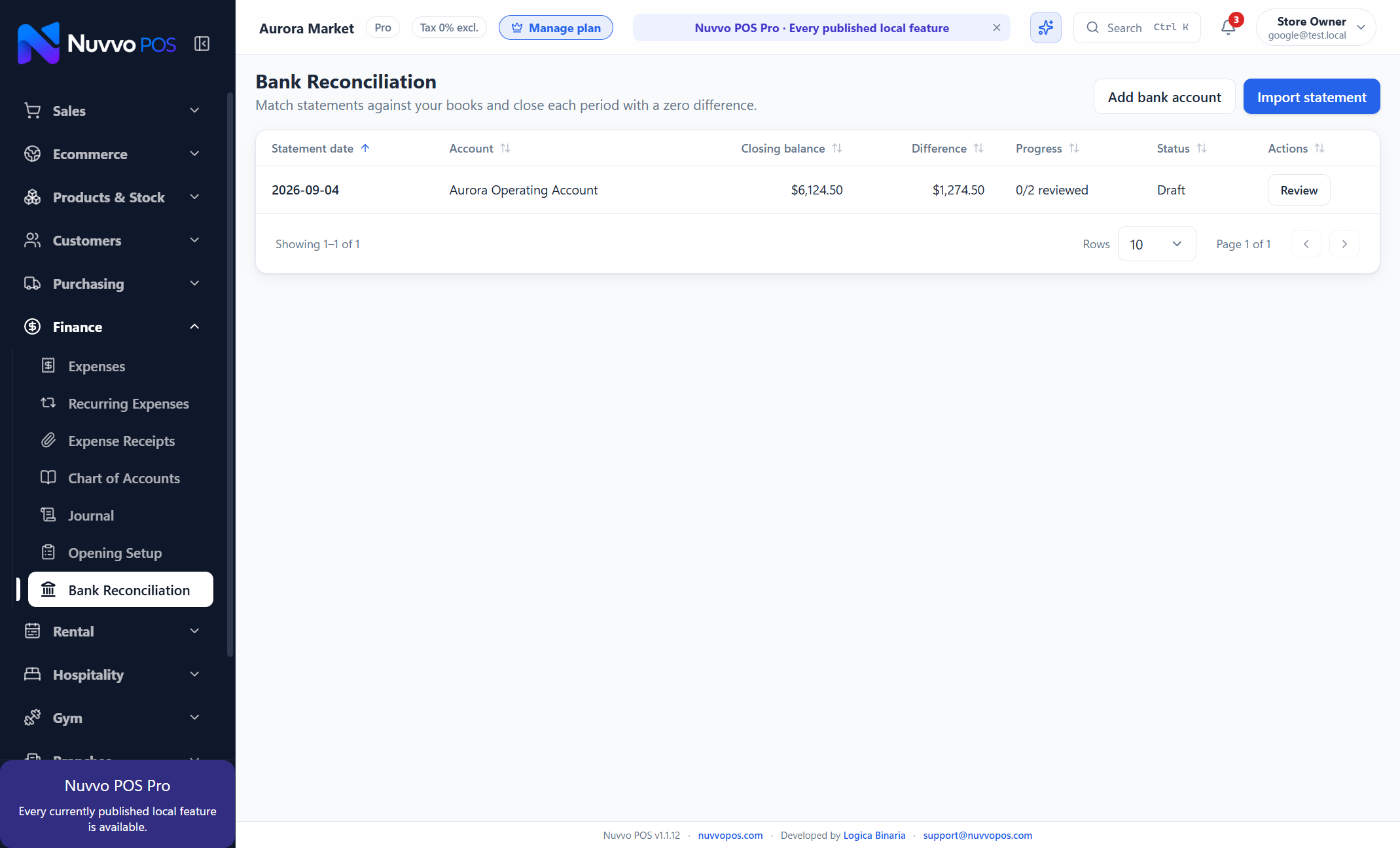
Match statement activity against the books and close each period confidently.
Attendance tracking, salary runs, payroll approvals, and payment registers.
Understand which team member handled each sale and period total.
Define transparent commission rules and review calculated earnings.
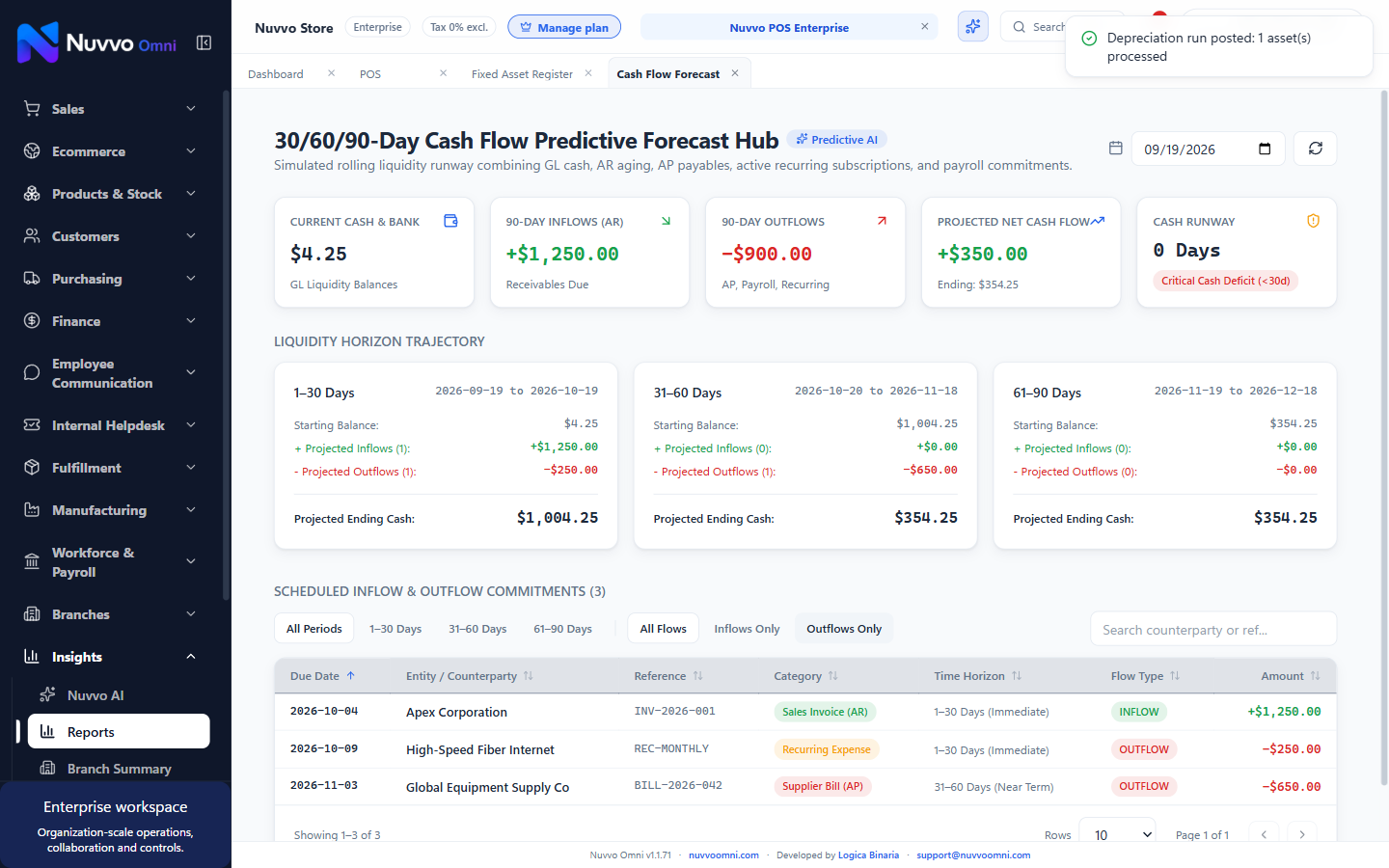
Liquidity runway modeling combining AR, AP, payroll, recurring expenses, and sales trends.
Business-date filters, sorting, pagination, PDF and Excel exports.
Sales, AP, AR, stock and operational signals in clear cards and charts.
Identify fast and slow movers using recent sales activity.
Surface inventory tying up cash without recent demand.
Review why an item is suggested before creating a purchase decision.
Ask practical questions about your sales, stock and customers in plain language.
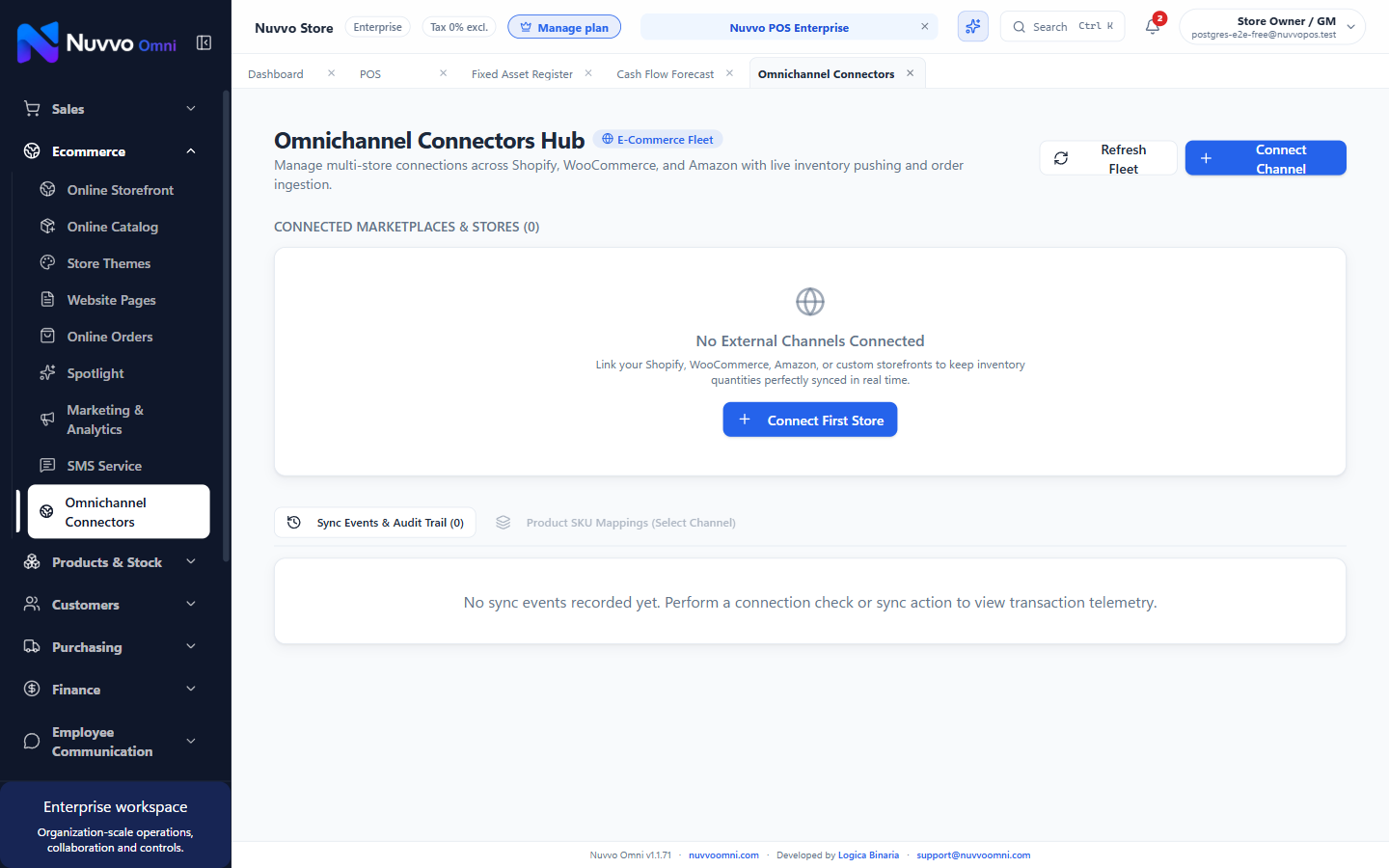
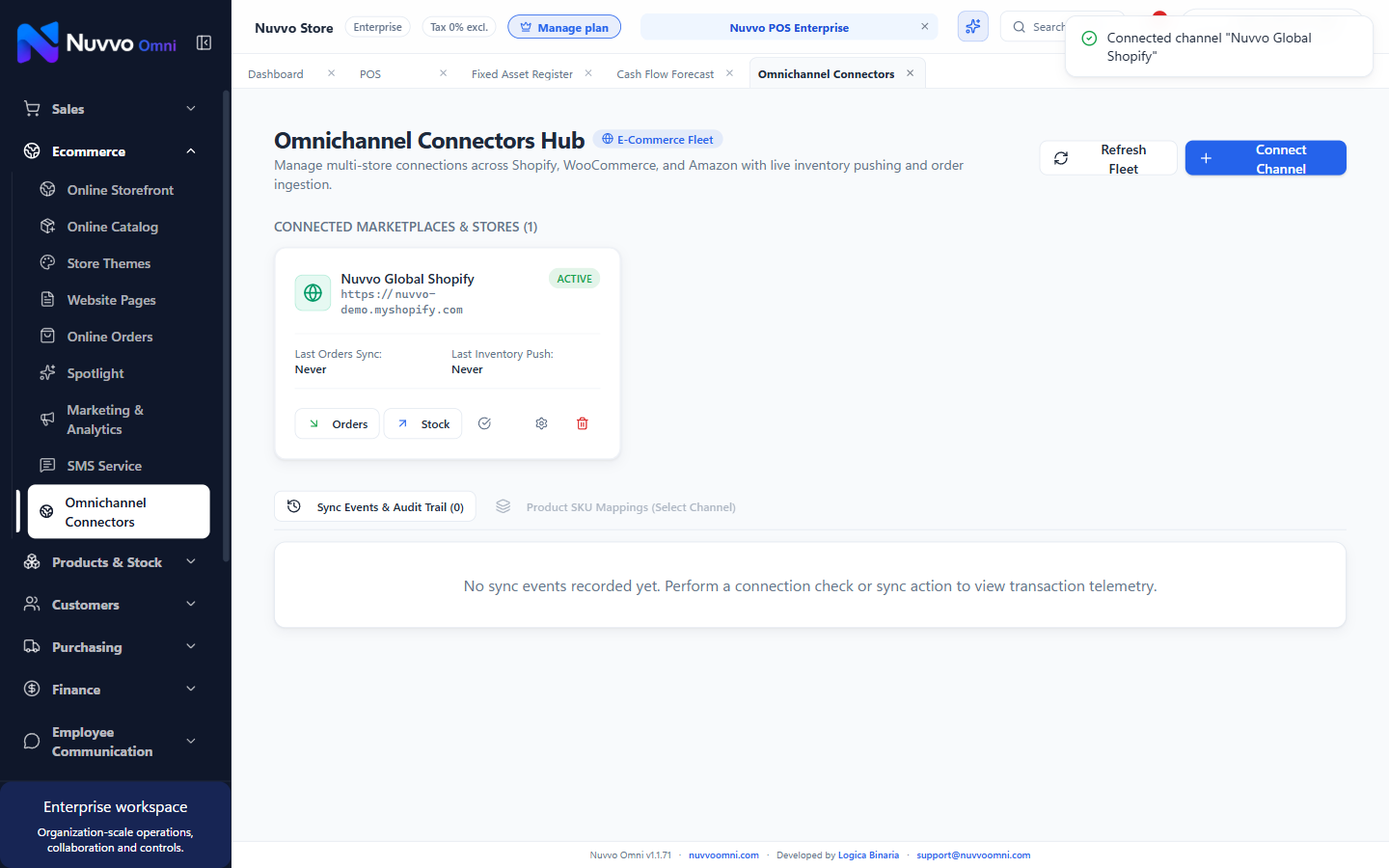
Direct sync with Shopify, WooCommerce, Amazon and custom marketplace APIs.
Full Bill of Materials (BOM), production orders, and pick/pack/ship workflows.
Bi-directional inventory sync with external stores so you never oversell.
Pull marketplace orders straight into the local fulfillment and packaging queue.
Every external sale and COGS is automatically journaled in your accounting books.
High-performance webhook workers update stock and orders in milliseconds.
Search known issues, submit feedback and follow official resolutions.
Learn complete workflows through searchable, step-by-step in-app guidance.
Permission-aware access with consistent six-digit operator PINs.
Comfortable display options, touch-friendly controls and language settings.
The operational database and full-database backups are encrypted.
Continue daily work locally after the initial online setup.
Finish the trading day confidently and surface items that need attention.
Keep selling while approved product, price and branch changes update automatically.
Create branches, assign staff and enroll a new device with a short-lived one-time code.
Share products and pricing across branches while retaining explicit owner-controlled edit rules.
Dispatch from one branch and receive at another with separate, auditable inventory movements.
Compare sales, purchasing, expenses and inventory value across Pro locations.
Manage assets, reservations, deposits, check-out, returns, damage and maintenance.
Run room status, guest stays, folio charges and departures in Pro.
Create plans, enroll members, renew or freeze access and record check-ins.
Enable only the specialist workspace your operation needs.
Ask about sales trends, refunds, stock, top products, payments and daily close. Nuvvo AI reads approved information from the local business database instead of uploading the transaction database to an external public AI service.
What should I reorder?
I found the low-stock products with recent sales activity. Open Inventory to review exact quantities.
See accounts receivable and payable beside sales, customer activity, supplier balances, cash movements and inventory value. Dedicated views keep each number explainable.
Choose between zero recurring cloud fees on your local hardware, or scaling across branches with your own managed Cloud VPS.
Comprehensive side-by-side comparison across all operational modules.
| System Domain | Free Forever | Pro (Offline) | Enterprise (Offline) |
|---|
Tax-Exclusive Pricing Policy: All listed subscription fees, user seat add-ons, and prices are quoted exclusive of applicable taxes (such as VAT, GST, or local sales taxes). Applicable taxes will be calculated and itemized during invoice issuance based on your billing jurisdiction.
Prices are shown for the selected billing period. Your upgrade request is confirmed after payment verification.
Windows 10 and 11 are supported. Install once, complete Google setup, then keep selling offline.
Downloads are temporarily paused while we prepare and test the next release. Existing installations can continue to be used.
Yes. Internet is needed for initial setup and connected services; everyday shop work continues locally.
Yes. Local records and backups are protected, and connected services use secure connections.
Yes. Print receipts and documents using your normal printer, or save a PDF when you need one.
Open Upgrade inside the app, choose a plan and subscription period, then submit your request for approval.